Released late 2025 on the Zendesk Apps Marketplace

Zendesk Kanban boards
Visual boards for Zendesk tickets: unlimited boards, columns from any field, WIP limits, and cards that can be placed automatically by the rest of the suite.
$5
per agent / month
No credit card required · Free forever on Sandbox accounts
Zendesk tickets, visualized
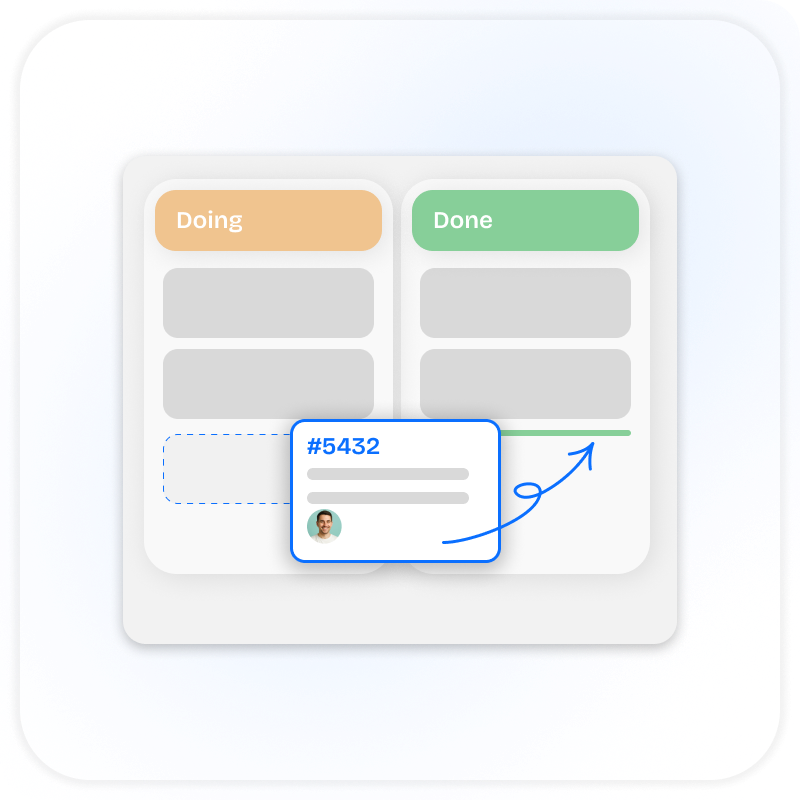
Drag and drop tickets across workflow stages. Get the clarity your team needs without leaving Zendesk.
- Drag-and-drop boards: cards update the Zendesk ticket in real time.
- Unlimited boards: one per team, project, or pipeline.
- Columns from any field: not just Zendesk status.
- Focused filters: by assignee, group, brand, or any ticket field.
- WIP limits per column: visually flag breaches, enforce flow discipline.
- Cards without tickets: brainstorm on the same board you ship on.
- Convert cards to tickets via templates: pre-filled subject, form, and assignee.
- Top-bar access: flip between board and ticket without leaving the workspace.
- Multi-language UI: Portuguese, German, Dutch, Spanish, Japanese, more.
- Works together with other apps: place tickets on Kanban boards from any event across the SweetHawk suite →
What you get from SweetHawk completely changes what Zendesk can do for you.

Every time we've needed to extend the functionality of Zendesk, SweetHawk apps have been there.

The SweetHawk integration was very straightforward and allowed a high level of customization. We now have the power to determine what apps are needed for each specific group within MongoDB.