
Zendesk conditional ticket field rules
Conditional ticket forms: show, hide, require, lock, or auto-set fields based on any ticket data. Auto-apply macros and fire actions into the rest of the SweetHawk suite.
Show agents only what they need
Reduce cognitive load, enforce required data at the right moment, and let the ticket form drive the rest of your workflow, no Zendesk workspace customizations needed.
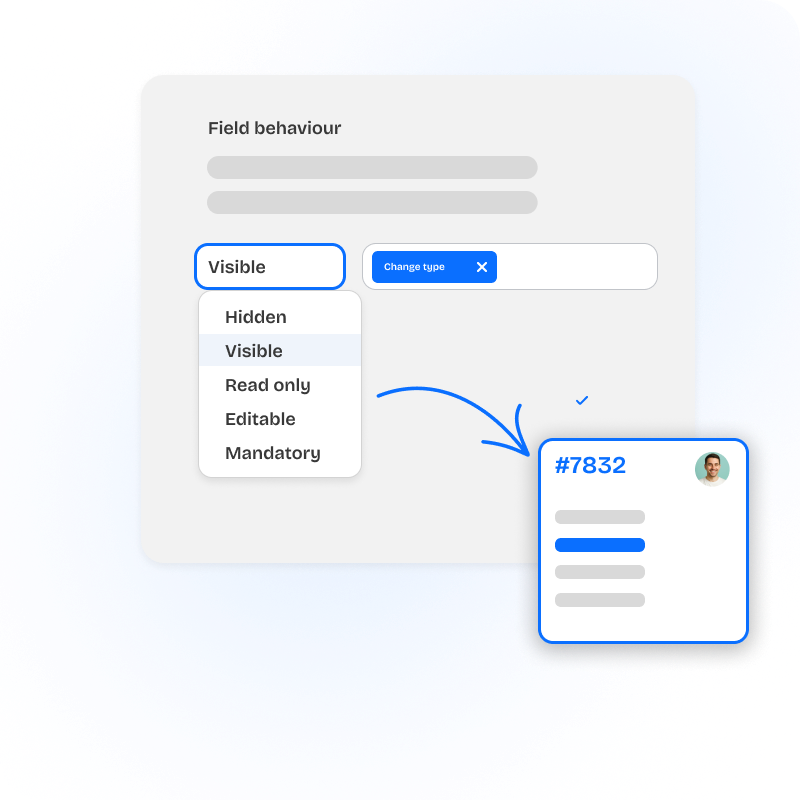
- Conditional visibility: hide fields until they're relevant.
- Dynamic required fields: required only when it matters.
- Read-only fields: protect trigger-populated or senior-set values.
- Set field values live: one field reacts to another, no save required.
- Auto-apply macros: fire a macro when conditions hold true.
- Perform actions in other SweetHawk apps based on rule conditions: apply Tasks, start Timers, launch Approvals.
- Per-agent, per-group, per-role targeting: one form, many perspectives.
- Live rule evaluation: on every keystroke, not just on save.
- Ticket field mapping: "shadow" Zendesk built-ins with custom values.
- Searchable rule library: find any rule by name in seconds.
- Better data quality: right fields, right time, improves reporting.
- No workspace customization: rules built visually, no custom code.
The ticket form as a control panel
Field Rules doesn't only shape the form; it can reach into the rest of the SweetHawk suite the moment conditions are met. Turn "if this field is set, do this" into live automation across your other apps.
Cross-app actions from ticket fields
When a rule's conditions hold true, it can run an action in any of these apps, no separate trigger, no webhook, no agent step.
- Tasks: apply a task list, apply a phased list, create or complete a task
- Approve: start an approval definition
- Timers: start, stop, pause, or resume a timer
- Calendar: create an event
- Journeys: start or complete a journey or phase
- Broadcast: send a targeted message
- Kanban: place the ticket on a board
- Power Actions: fire any predefined action
One rule, five things happen
A rule watches for ticket.type = "Refund" AND amount > 500. When it hits, in a single admin definition:
- The "Refund reason" field becomes visible and required.
- A Tasks "Refund review" checklist is applied.
- An Approve flow for finance sign-off starts.
- A Timer for the 24h decision window starts.
- The ticket lands on the "Awaiting approval" Kanban column.
Zendesk Conditional Fields vs SweetHawk Field Rules
Compare Zendesk Conditional Fields with SweetHawk Field Rules for teams that need live agent-side field behaviour, conditional mandatory fields, read-only fields, macros, field updates, and SweetHawk app actions inside Zendesk.
What you get from SweetHawk completely changes what Zendesk can do for you.

Every time we've needed to extend the functionality of Zendesk, SweetHawk apps have been there.

The SweetHawk integration was very straightforward and allowed a high level of customization. We now have the power to determine what apps are needed for each specific group within MongoDB.