
Zendesk forms that update ticket fields from customers
Ask customers for the exact ticket fields you still need, on a secure, branded form. Send it from the sidebar or a trigger, and answers write straight back onto the ticket.
Zendesk locks ticket fields to customers after creation. Forms doesn't.
Once a request is in, its fields are locked to the customer (agents can still edit them, but the customer can't add more), so you chase them in the comments and re-key the answers by hand. Forms sends a short, secure link instead. The customer fills in exactly the fields you asked for, and they land straight on the ticket.
- Request the exact fields you need, from the sidebar.
- Secure, tokenised links, unique to each ticket.
- Send manually or from a trigger.
- Answers write back to real ticket fields, ready for views, triggers, and Explore.
- Branded page, only your fields, no login.
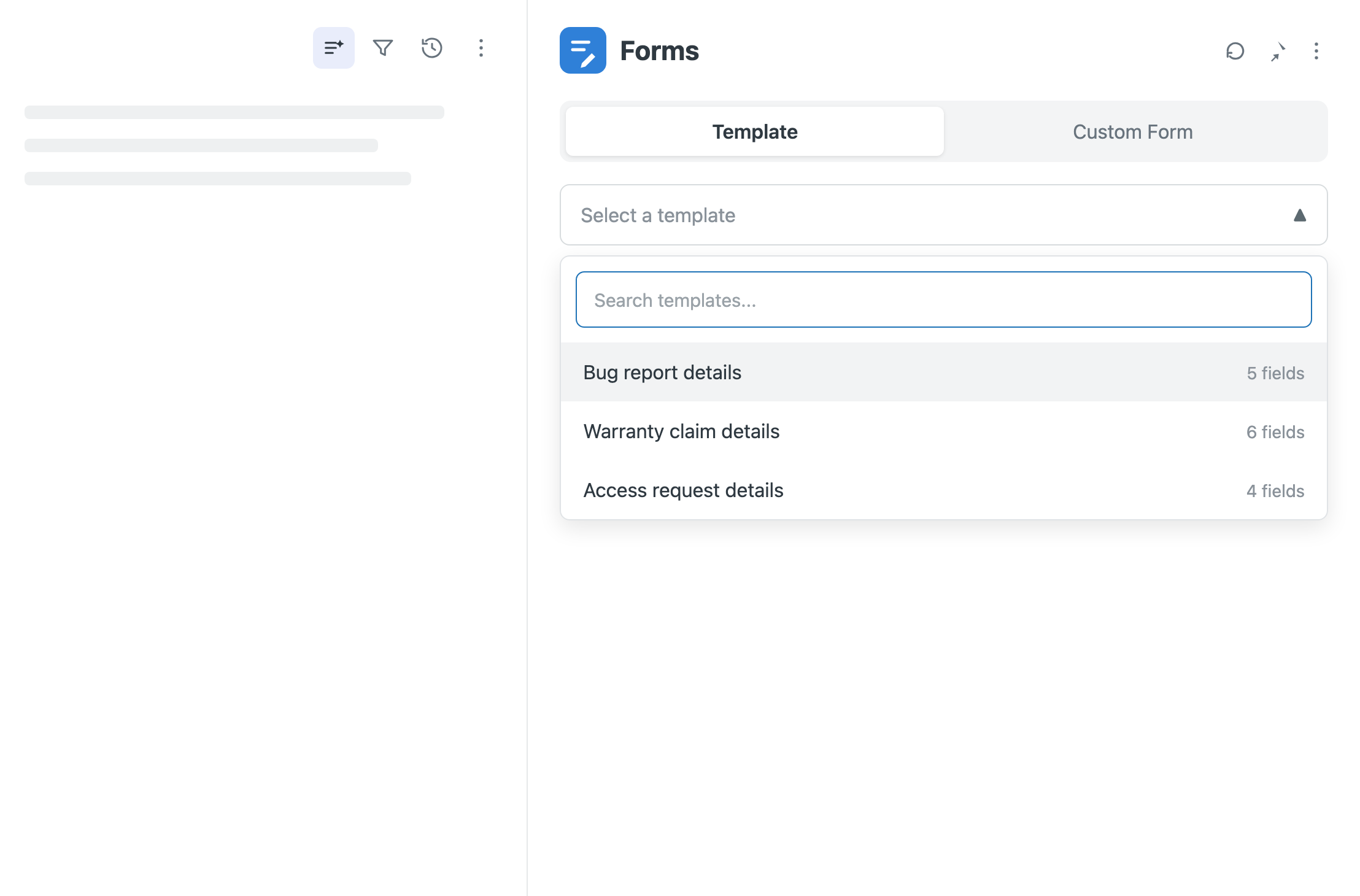
Request, fill, done
Request
Pick the fields in the sidebar. A clean link drops into your reply.
Fill
The customer completes a branded page, just the fields you asked for. No login.
Done
Answers write straight onto the ticket. Nothing to re-type.
Everything in Forms
Manual or trigger delivery
Send from the sidebar, or fire automatically from a Zendesk trigger.
Reusable templates
Save the field sets you ask for again and again.
Your branding
Logo, colours, and your own domain on every form.
Field permissions
Agents request customer-visible fields by default. Admins can allow any field in settings.
Validation and expiry
Require the fields that matter, and set links to expire.
Responses and audit
Every request and answer, with agent and timestamps.
What you get from SweetHawk completely changes what Zendesk can do for you.

Every time we've needed to extend the functionality of Zendesk, SweetHawk apps have been there.

The SweetHawk integration was very straightforward and allowed a high level of customization. We now have the power to determine what apps are needed for each specific group within MongoDB.