The new Calendar app has been out for a while now. If you've been wondering whether it's worth moving from the legacy version, here are the reasons we think it is, and how to make the switch.
Why upgrade from legacy Calendar
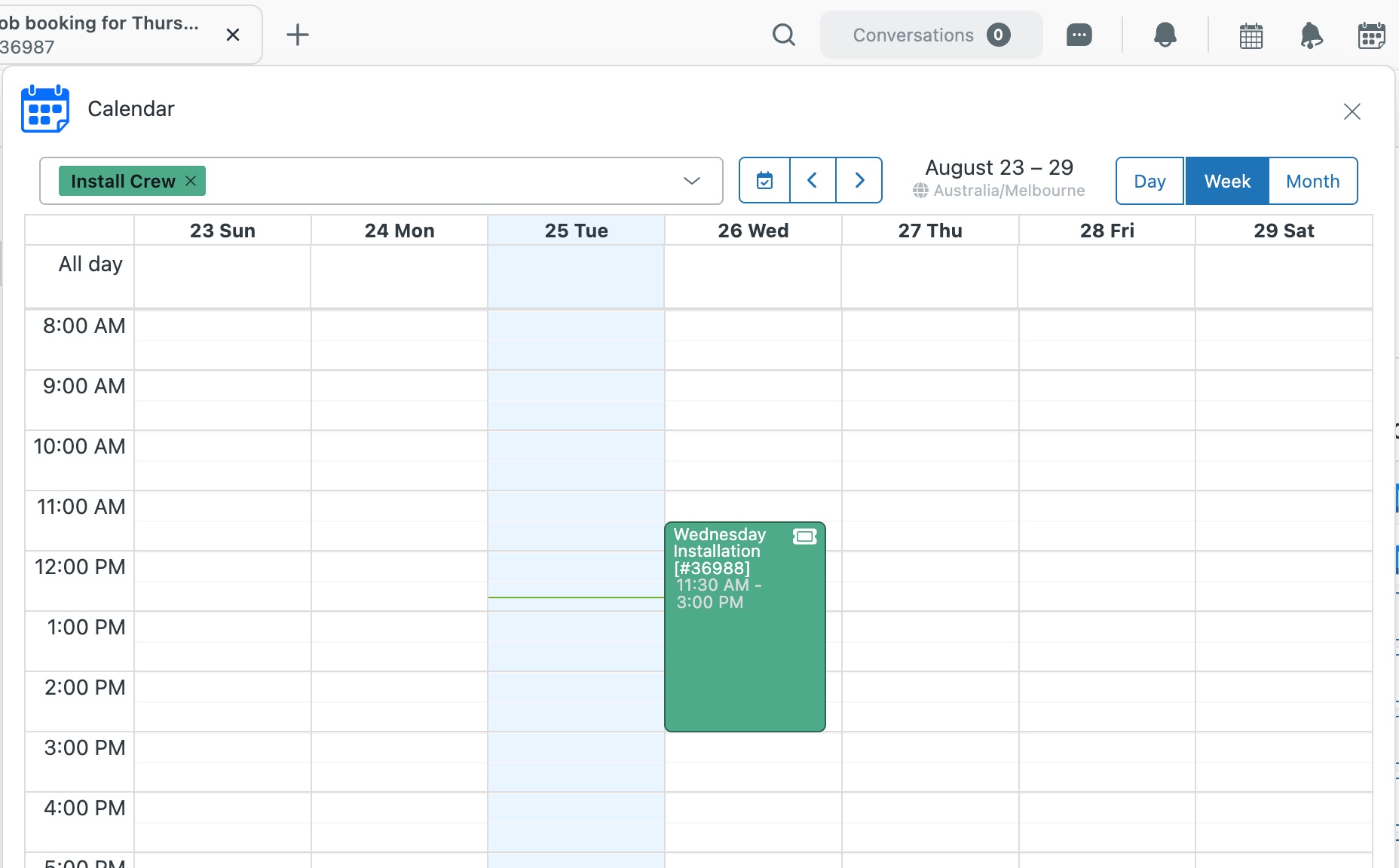
- Bookings become ticketsAn event booked through a tool like Calendly creates a ticket automatically.
- More than one event per ticketLink as many events as the work needs, and match outside events to existing tickets.
- Every calendar in one viewSee multiple calendars side by side, including all-day events.
- A workflow per calendarEach team's calendar gets its own rules and ticket updates.
- The right people, automaticallySet requester, assignee and CCs from placeholders, and build events from ticket templates.
Moving takes minutes
Install the new app alongside the old one and set it up at your own pace. Nothing changes for your team until you're ready.
- Install the new Calendar app. Install Calendar, enter your Zendesk subdomain and approve the install in Zendesk. Use the code NOCC at checkout for a free trial, no card needed.
- Recreate your calendars and reconnect your Google or Microsoft account.
- Switch over. We recommend letting events already booked finish in the legacy app, then disable it.
Common questions
Can I keep both versions installed?
Yes. You can run both versions side by side while you move things across. Once everything's moved, disable the old version.
Do I have to move to the new version?
We strongly recommend it. There's already a stack of time-saving features you won't find in the legacy apps, and every new feature we build goes exclusively into the new versions. Your current app might still be doing its job, but it could be doing a lot more for you.
We'll keep supporting the legacy versions while you make the move, so you don't have to switch overnight, but there's plenty worth switching for. The sooner you move, the sooner you get the benefits, and we're here to help you get started.
Read more about moving to the new versions
Need a hand moving?
Talk to us about anything to do with moving to the new version. We'll work through it with you and help you get set up. Create a support ticket or email support@sweethawk.com.
Ready? Install the new Calendar app free with the code NOCC.

Get the latest from SweetHawk
Product updates, new features, and Zendesk tips. No spam, unsubscribe any time.